← Central do Criador · Guias de Recursos
🗄️ Seu Vault é sua base. Tudo o que você posta ou envia a um fã começa aqui — vamos configurá-lo para que seu conteúdo esteja pronto no momento em que você estiver. ♡
O que é
Seu Vault é sua biblioteca de mídia privada no Hidden. Faça upload de suas fotos e vídeos, organize-os em pastas e marque-os — tudo antes de qualquer coisa ser publicada. Pense nisso como seu backstage: nada em seu Vault é visível para os fãs até que você decida postar ou enviar.
Por que é importante
Um Vault organizado torna tudo mais rápido — postar, enviar mensagens, fazer upsell. Os criadores que mais ganham não estão procurando aquele vídeo às 1h da manhã; ele já está marcado e esperando.
Primeiros passos
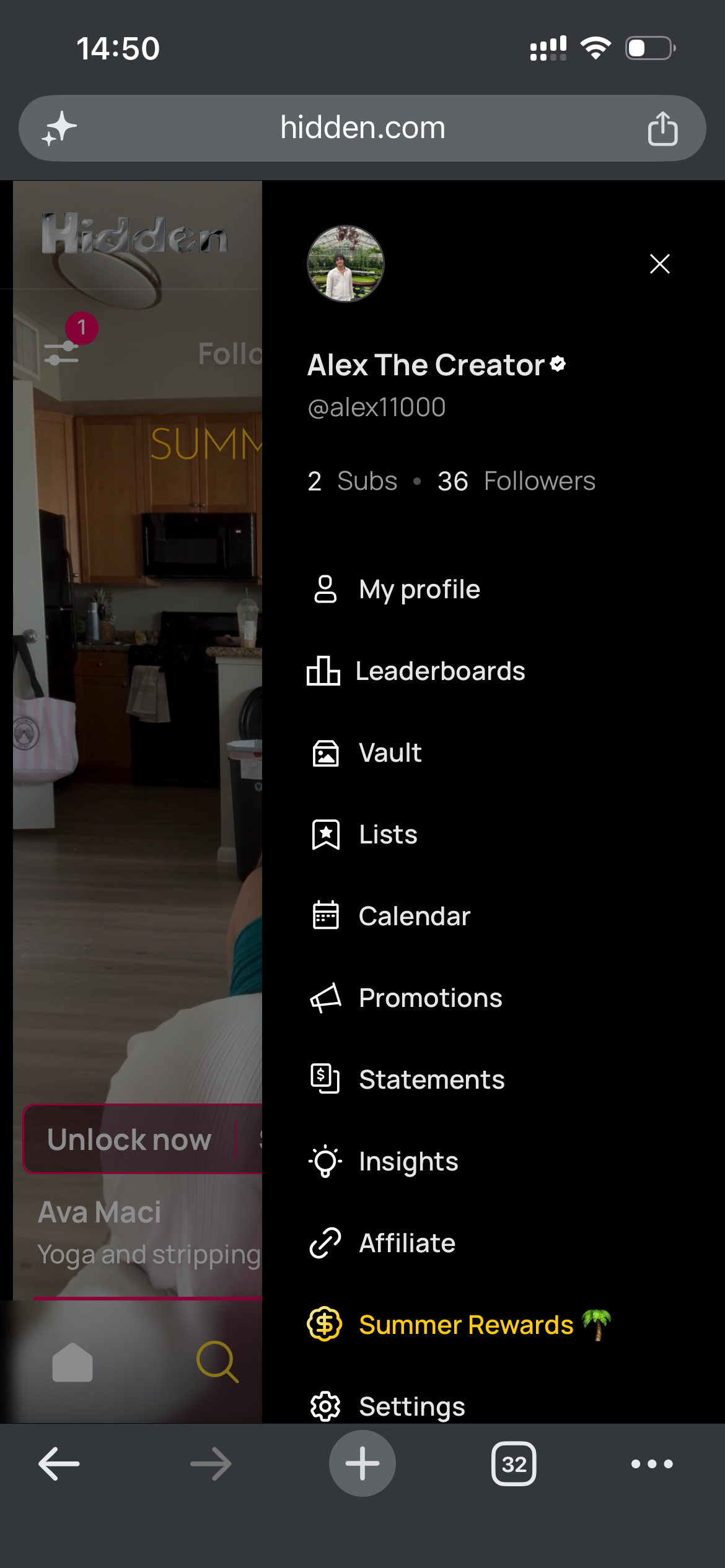
1. Encontre seu Vault
Abra o menu lateral e toque em Vault para entrar em sua biblioteca de mídia.
2. Faça upload de arquivos e crie pastas
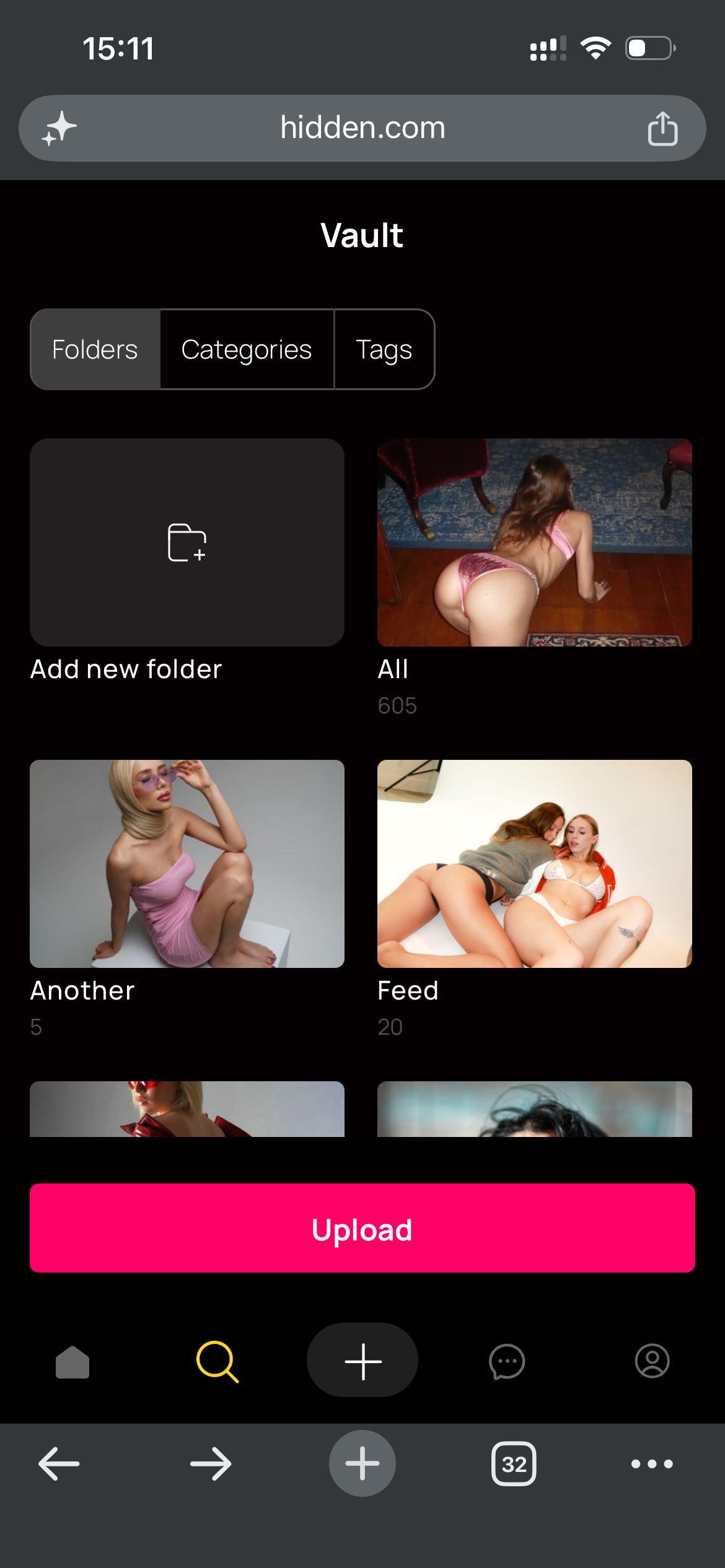
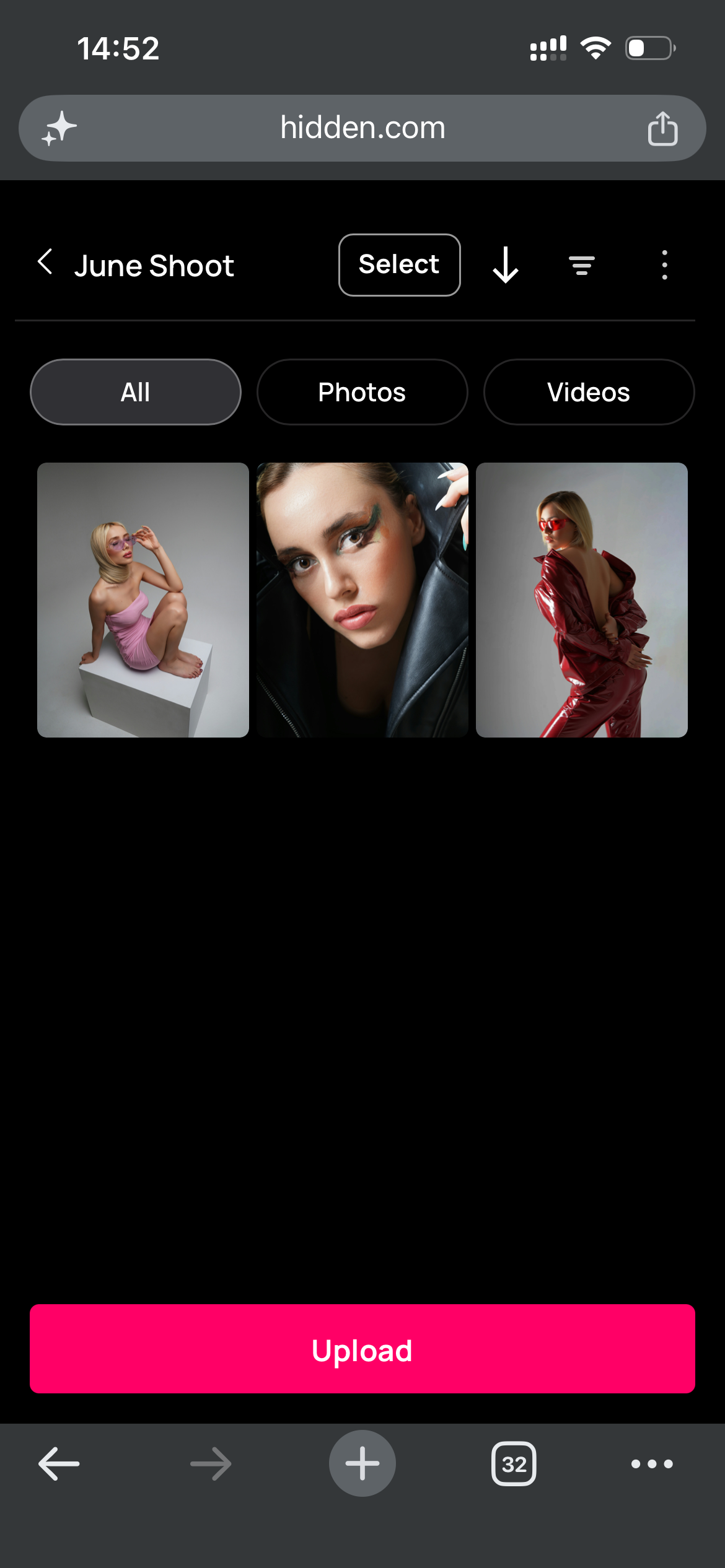
- Toque no botão Upload para adicionar fotos e vídeos diretamente ao seu Vault.
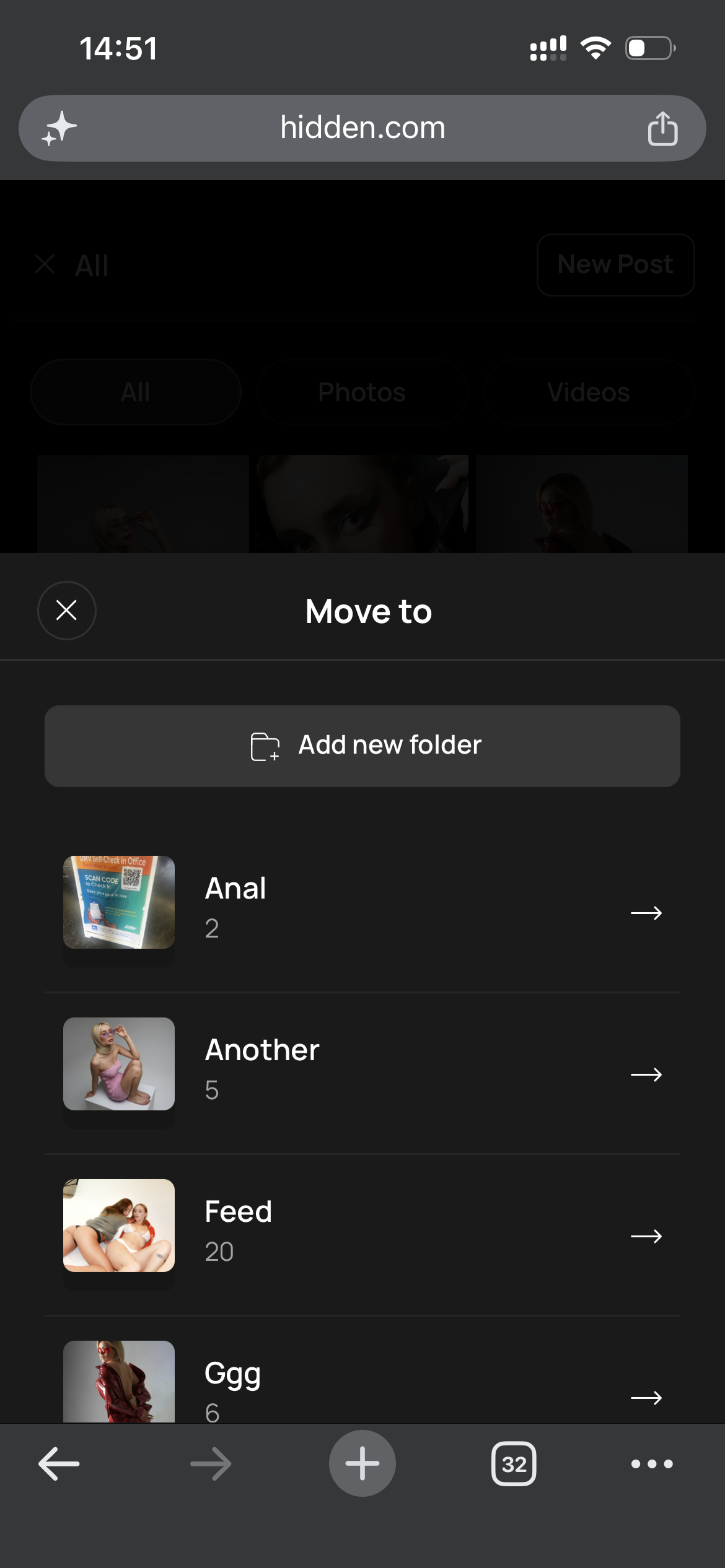
- Toque em Adicionar nova pasta para criar uma nova pasta no seu Vault.
3. Mover arquivos para pastas
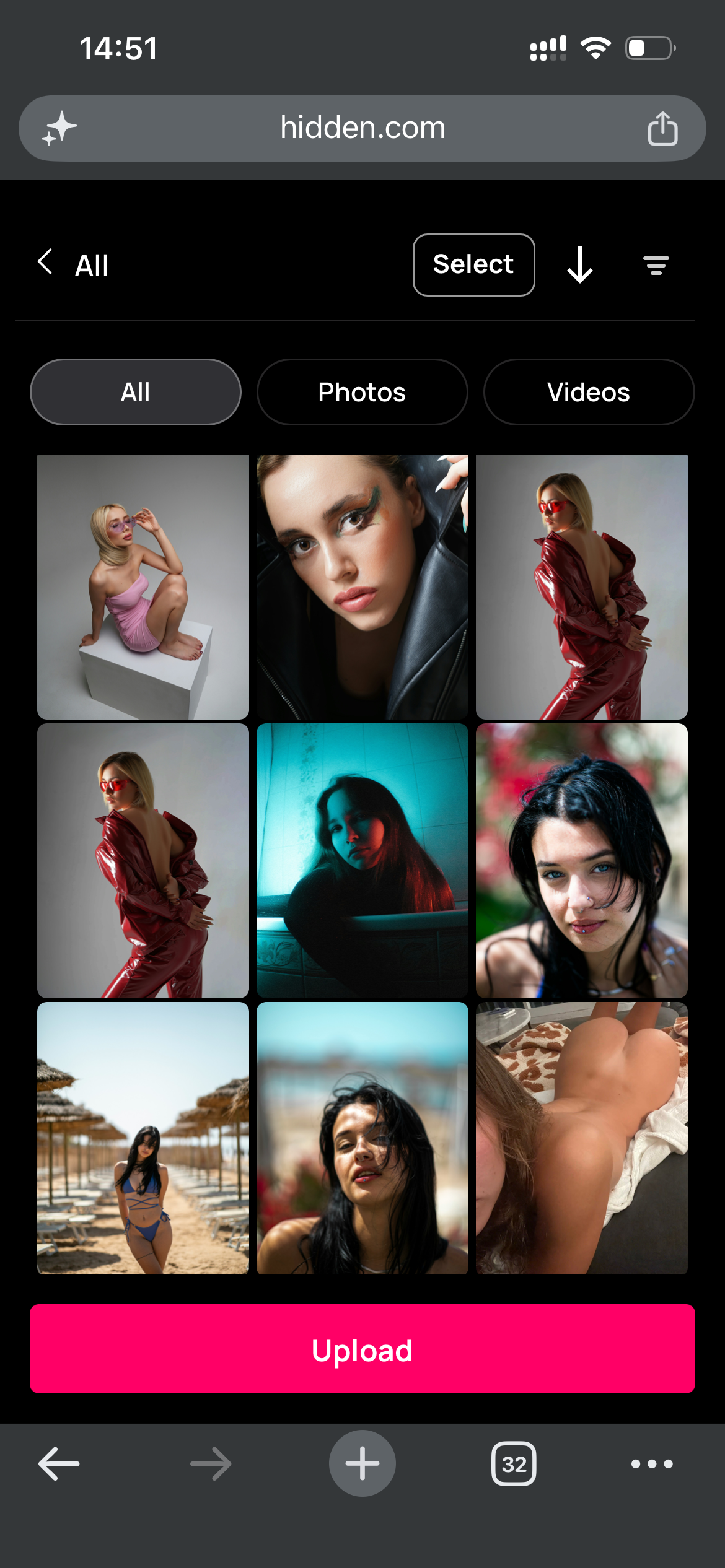
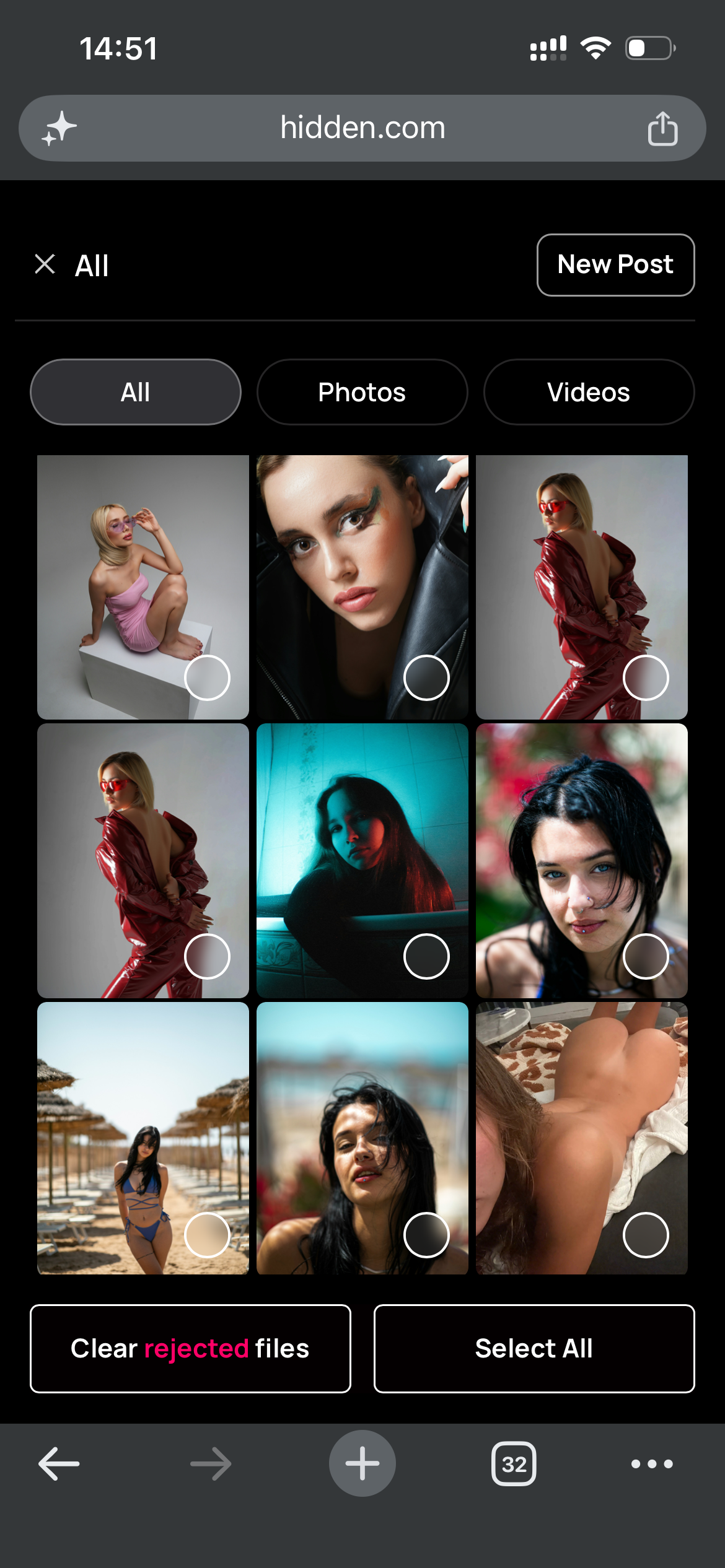
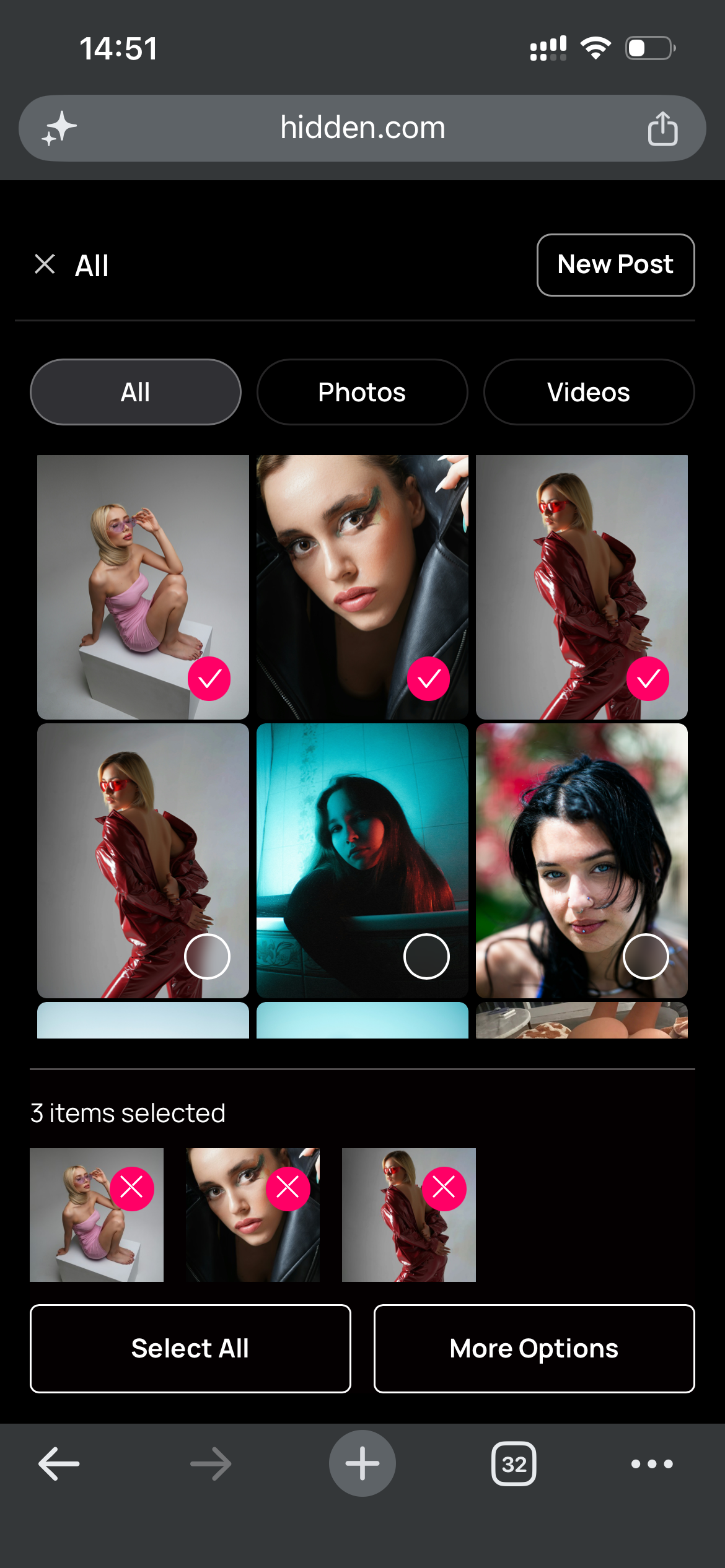
- Toque em Selecione, depois toque nos arquivos que você quer mover.
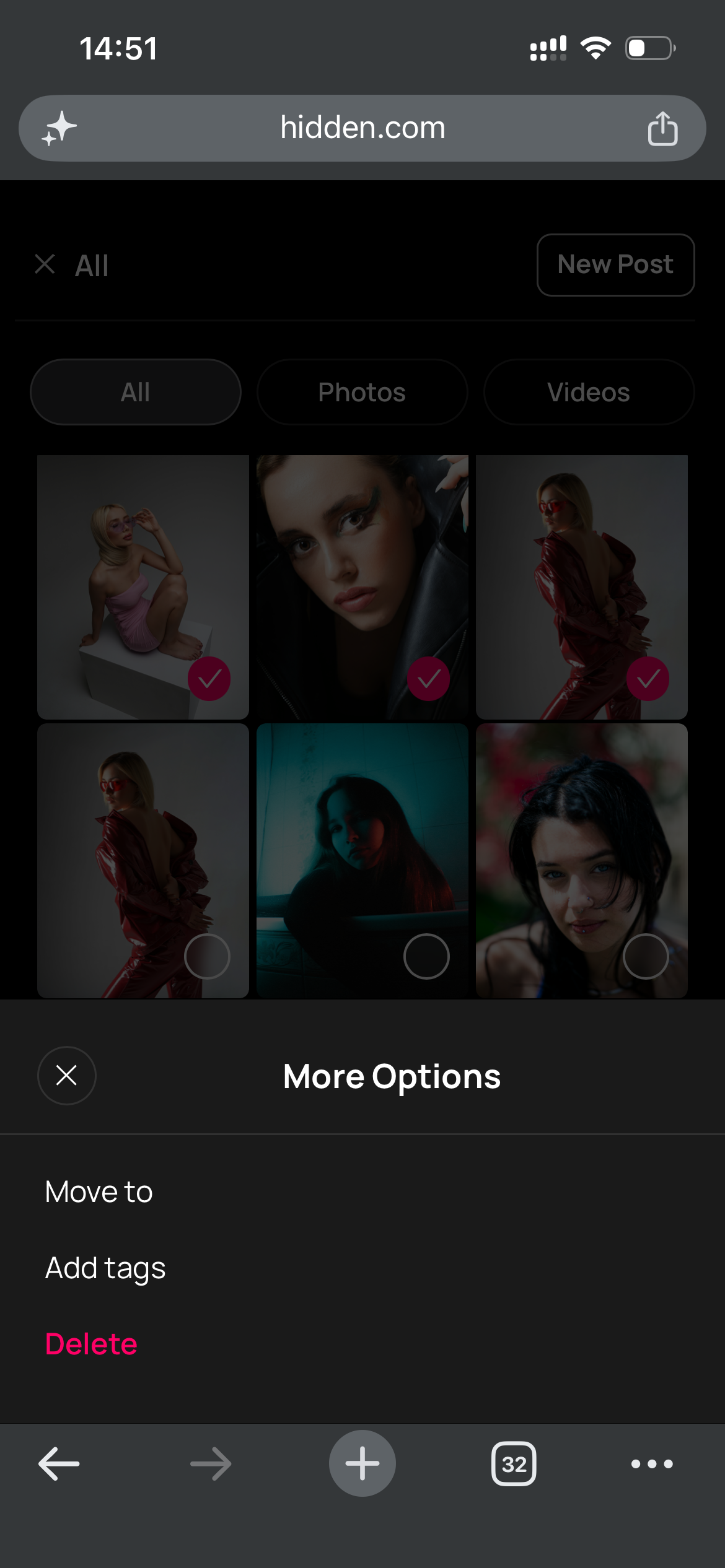
- Toque em Mais opções, depois Mover para.
- Escolha a pasta para a qual você gostaria de mover os arquivos.
- Abra a pasta que você criou para confirmar se seus arquivos estão lá. ✅
★ Dicas e Truques
★ Organize pastas por um ensaio específico, tipo de conteúdo ou tipo de post para que você possa pegar um conjunto inteiro em segundos.
★ Mantenha uma pasta "pronta para enviar" com seus melhores conversores para que estejam sempre a um toque de distância.
Perguntas Frequentes
Relacionados
- ✨ Smart Vault — venda de forma mais inteligente do seu Vault, por fã
- 📤 Publicações — publique seu conteúdo do Vault
- 📨 Caixa de Entrada e Mensagens — envie conteúdo do Vault para fãs
Mais Perguntas?
Fale conosco aqui: